Introduction
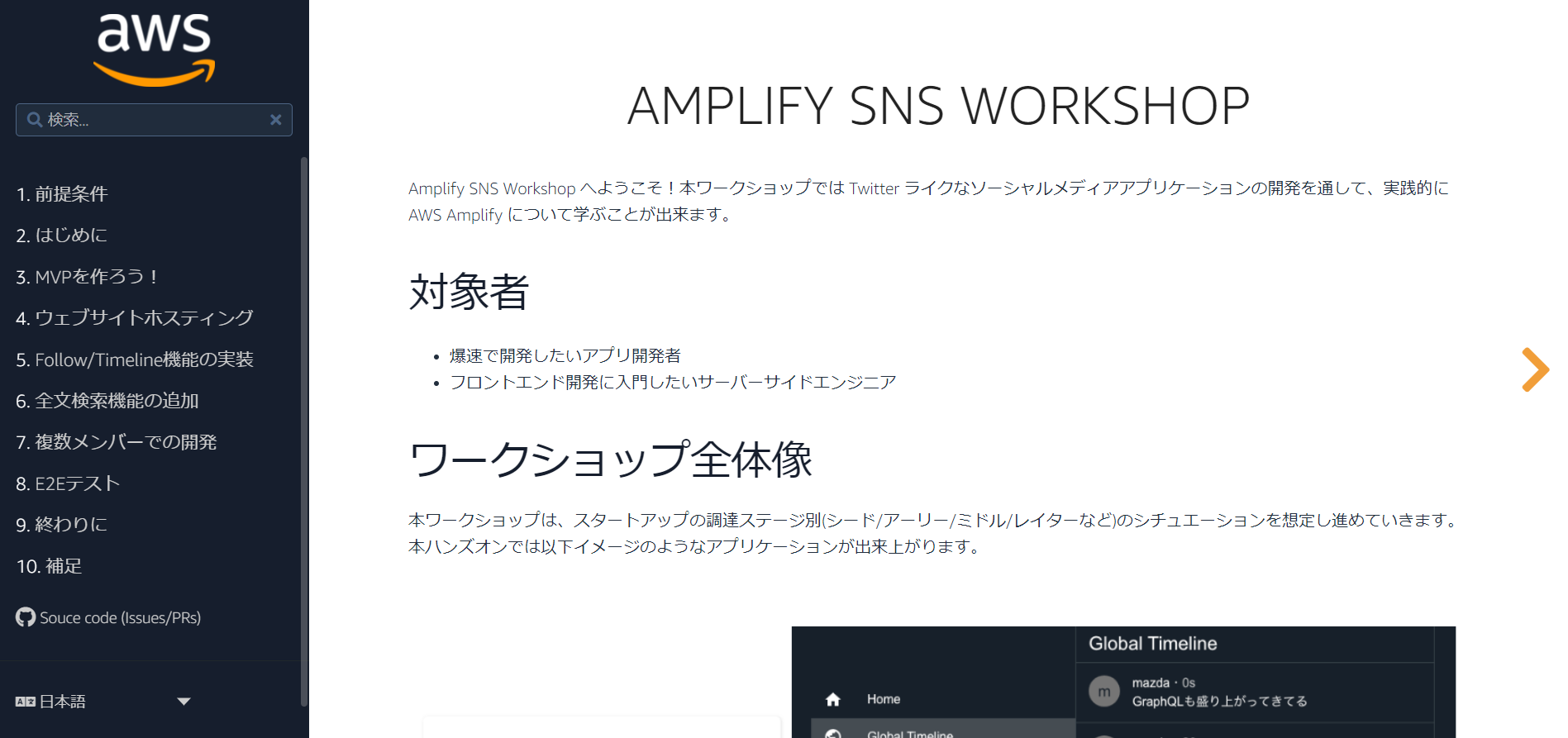
This article is a working memo for setting up through to the execution of Cognito, as I wanted to do hands-on verification of Cognito. The instructions themselves are definitely easier to understand in the link below.
Preparation for Verification
Version Check
- Node.js, npm
Amplify CLI recommends Node.js 10.x or later, and npm 6.x or later.
[ec2-user@bastin ~]$ node -v; npm -v
v17.7.1
8.5.2
- Java
[ec2-user@bastin ~]$ java -version
openjdk version "1.8.0_312"
OpenJDK Runtime Environment (build 1.8.0_312-b07)
OpenJDK 64-Bit Server VM (build 25.312-b07, mixed mode)
- Amplify CLI Installation
[ec2-user@bastin ~]$ npm install -g @aws-amplify/cli@4.45.0
(omitted)
[ec2-user@bastin ~]$ amplify version
Initializing new Amplify CLI version...
Done initializing new version.
Scanning for plugins...
Plugin scan successful
4.45.0
Amplify CLI Configuration
amplify configure
[ec2-user@bastin ~]$ amplify configure
Follow these steps to set up access to your AWS account:

Sign in to your AWS administrator account:
https://console.aws.amazon.com/
Press Enter to continue

Specify the AWS Region
? region:  ap-northeast-1
Specify the username of the new IAM user:
? user name:  amplify-wJAim
Complete the user creation using the AWS console
https://console.aws.amazon.com/iam/home?region=ap-northeast-1#/users$new?step=final&accessKey&userNames=amplify-wJAim&permissionType=policies&policies=arn:aws:iam::aws:policy%2FAdministratorAccess
Press Enter to continue

Enter the access key of the newly created user:
? accessKeyId:  ********************
? secretAccessKey:  ****************************************
This would update/create the AWS Profile in your local machine
? Profile Name:  default

Successfully set up the new user.
[ec2-user@bastin ~]$
Create Working Directory
mkdir amplify-sns-workshop
cd amplify-sns-workshop
npx create-react-app boyaki
cd boyaki
Amplify Initialization
amplify init
[ec2-user@bastin boyaki]$ amplify init
Note: It is recommended to run this command from the root of your app directory
? Enter a name for the project boyaki
? Enter a name for the environment production
? Choose your default editor: Vim (via Terminal, Mac OS only)
? Choose the type of app that you're building javascript
Please tell us about your project
? What javascript framework are you using react
? Source Directory Path:  src
? Distribution Directory Path: build
? Build Command:  npm run-script build
? Start Command: npm run-script start
Using default provider  awscloudformation

? Select the authentication method you want to use: AWS profile

For more information on AWS Profiles, see:
https://docs.aws.amazon.com/cli/latest/userguide/cli-configure-profiles.html

? Please choose the profile you want to use default
Adding backend environment production to AWS Amplify Console app: d23637fuj8pa65
(omitted)
Testing the Environment
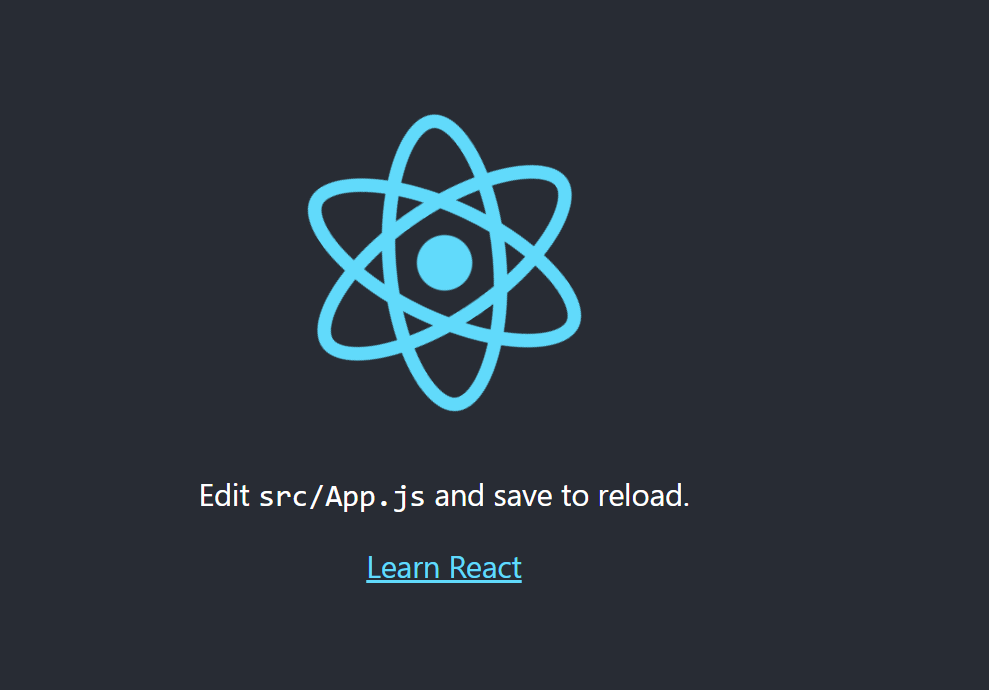
After starting the development server, access http://localhost:3000 or http://<PublicIP>:3000:
[ec2-user@bastin boyaki]$ npm start

> boyaki@0.1.0 start
> react-scripts start

(node:24767) [DEP_WEBPACK_DEV_SERVER_ON_AFTER_SETUP_MIDDLEWARE] DeprecationWarning: 'onAfterSetupMiddleware' option is deprecated. Please use the 'setupMiddlewares' option.
(Use `node --trace-deprecation ...` to show where the warning was created)
(node:24767) [DEP_WEBPACK_DEV_SERVER_ON_BEFORE_SETUP_MIDDLEWARE] DeprecationWarning: 'onBeforeSetupMiddleware' option is deprecated. Please use the 'setupMiddlewares' option.

Starting the development server...


Compiled successfully!

You can now view boyaki in the browser.

  Local:            http://localhost:3000
  On Your Network:  http://10.0.1.31:3000

Note that the development build is not optimized.
To create a production build, use npm run build.
(... build output omitted ...)
Adding Authentication
All defaults are fine.
cd /home/ec2-user/amplify-sns-workshop/boyaki
amplify add auth
[ec2-user@bastin boyaki]$ amplify add auth
Using service: Cognito, provided by: awscloudformation

 The current configured provider is Amazon Cognito.

 Do you want to use the default authentication and security configuration? Default configuration
 Warning: you will not be able to edit these selections.
 How do you want users to be able to sign in? Username
 Do you want to configure advanced settings? No, I am done.
Successfully added auth resource boyaki9b531430 locally

Some next steps:
"amplify push" will build all your local backend resources and provision it in the cloud
"amplify publish" will build all your local backend and frontend resources (if you have hosting category added) and provision it in the cloud
Check Status
[ec2-user@bastin boyaki]$ amplify status

Current Environment: production

| Category | Resource name  | Operation | Provider plugin   |
| -------- | -------------- | --------- | ----------------- |
| Auth     | boyaki9b531430 | Create    | awscloudformation |
Apply Changes
This takes a few minutes. When it completes successfully, Cognito will be configured.
amplify push
[ec2-user@bastin boyaki]$ amplify push
✔ Successfully pulled backend environment production from the cloud.

Current Environment: production

| Category | Resource name  | Operation | Provider plugin   |
| -------- | -------------- | --------- | ----------------- |
| Auth     | boyaki9b531430 | Create    | awscloudformation |
? Are you sure you want to continue? Yes
(omitted)
✔ All resources are updated in the cloud
Implementing Authentication on the Frontend
npm install --save aws-amplify@3.3.14 @aws-amplify/ui-react@0.2.34
If you get
npm ERR! peer react@"^16.7.0" from @aws-amplify/ui-react@0.2.34during execution, you need to downgrade React to version 16.x and rewrite thepackage.jsonfile with the content below. Then re-run thenpm install --save ...command above.{ "name": "boyaki", "version": "0.1.0", "private": true, "dependencies": { "@testing-library/jest-dom": "^5.14.1", "@testing-library/react": "^11.2.7", "@testing-library/user-event": "^12.8.3", "react": "16.10.0", "react-dom": "16.10.0", "react-scripts": "4.0.3", "web-vitals": "^1.1.2" }, "scripts": { "start": "react-scripts start", "build": "react-scripts build", "test": "react-scripts test", "eject": "react-scripts eject" }, "eslintConfig": { "extends": [ "react-app", "react-app/jest" ] }, "browserslist": { "production": [ ">0.2%", "not dead", "not op_mini all" ], "development": [ "last 1 chrome version", "last 1 firefox version", "last 1 safari version" ] } }npm install
npm install
Replace the Contents of ./src/App.js
vi ./src/App.js
import React from 'react';
import Amplify from 'aws-amplify';
import { AmplifyAuthenticator, AmplifySignUp, AmplifySignOut } from '@aws-amplify/ui-react';
import { AuthState, onAuthUIStateChange } from '@aws-amplify/ui-components';
import awsconfig from './aws-exports';

Amplify.configure(awsconfig);

const App = () => {
    const [authState, setAuthState] = React.useState();
    const [user, setUser] = React.useState();

    React.useEffect(() => {
        return onAuthUIStateChange((nextAuthState, authData) => {
            setAuthState(nextAuthState);
            setUser(authData)
        });
    }, []);

  return authState === AuthState.SignedIn && user ? (
      <div className="App">
          <div>Hello, {user.username}</div>
          <AmplifySignOut />
      </div>
    ) : (
      <AmplifyAuthenticator>
        <AmplifySignUp
          slot="sign-up"
          formFields={[
            { type: "username" },
            { type: "password" },
            { type: "email" }
          ]}
        />
      </AmplifyAuthenticator>
  );
}

export default App;
After reaching this point, starting npm start caused the following error:
ERROR in ./src/App.js 43:35-48
export 'AmplifySignUp' (imported as 'AmplifySignUp') was not found in '@aws-amplify/ui-react' (possible exports: Alert, AmplifyProvider, Authenticator
(omitted)
After looking at the following and downgrading React, it worked correctly:
npm list --depth=0
npm remove @aws-amplify/ui-react
npm install @aws-amplify/ui-react@1.2.25
npm list --depth=0
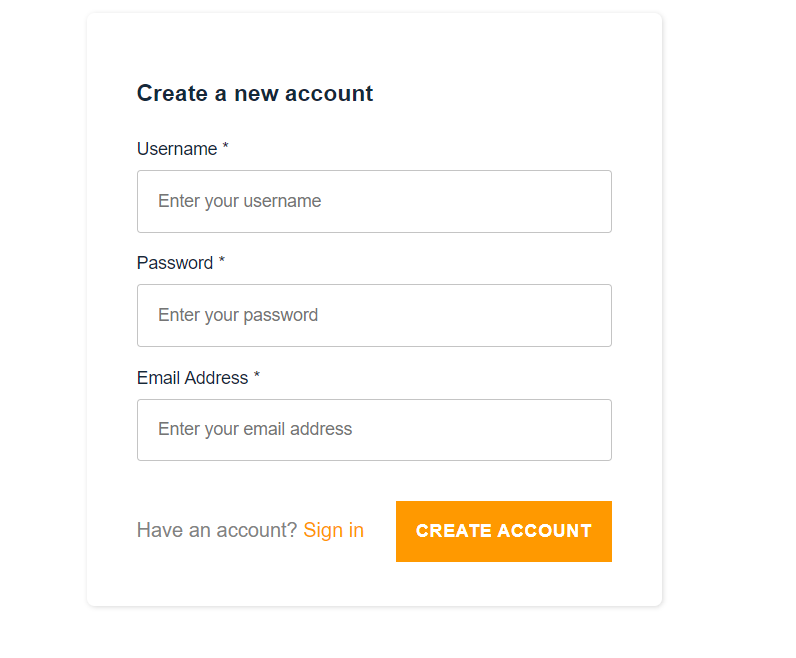
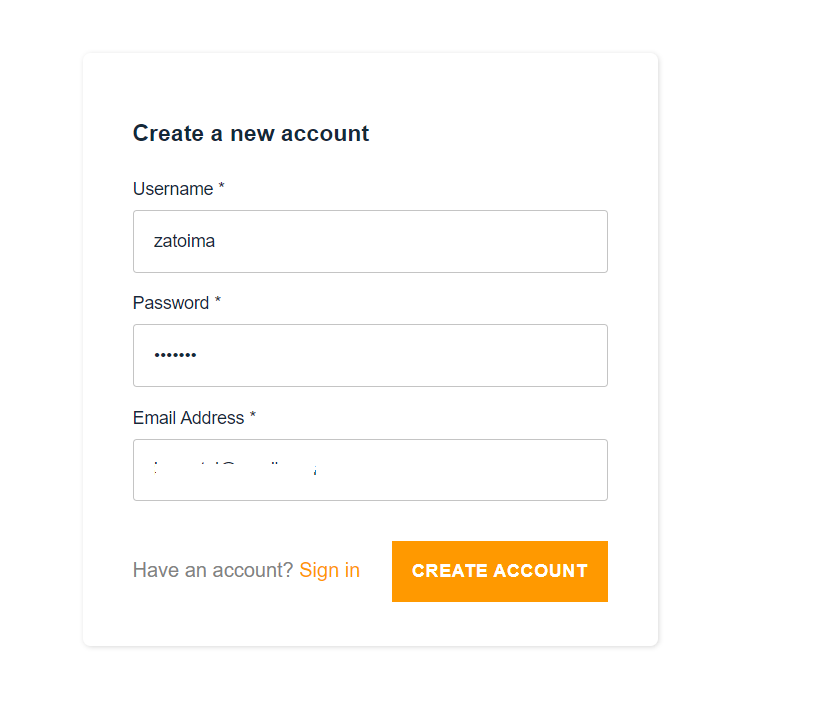
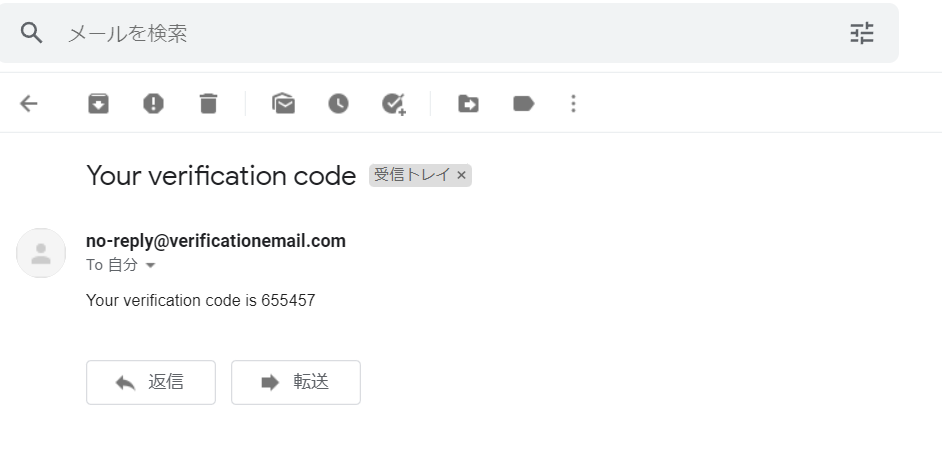
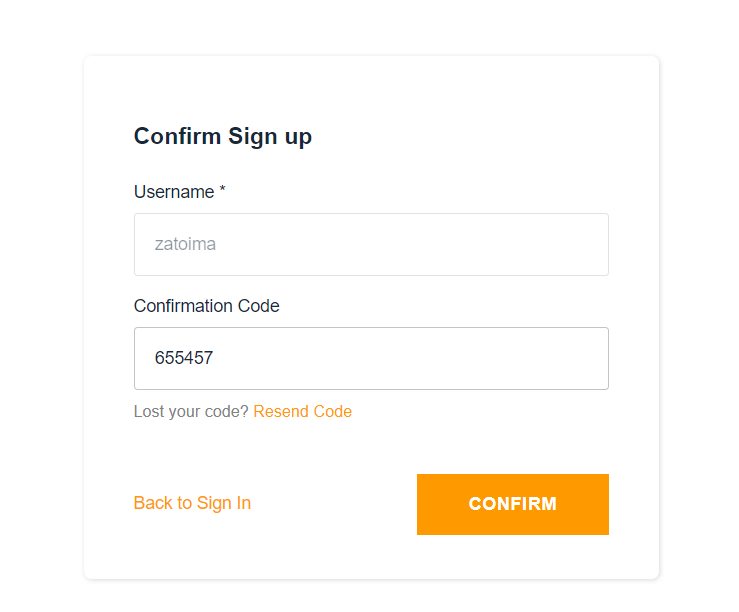

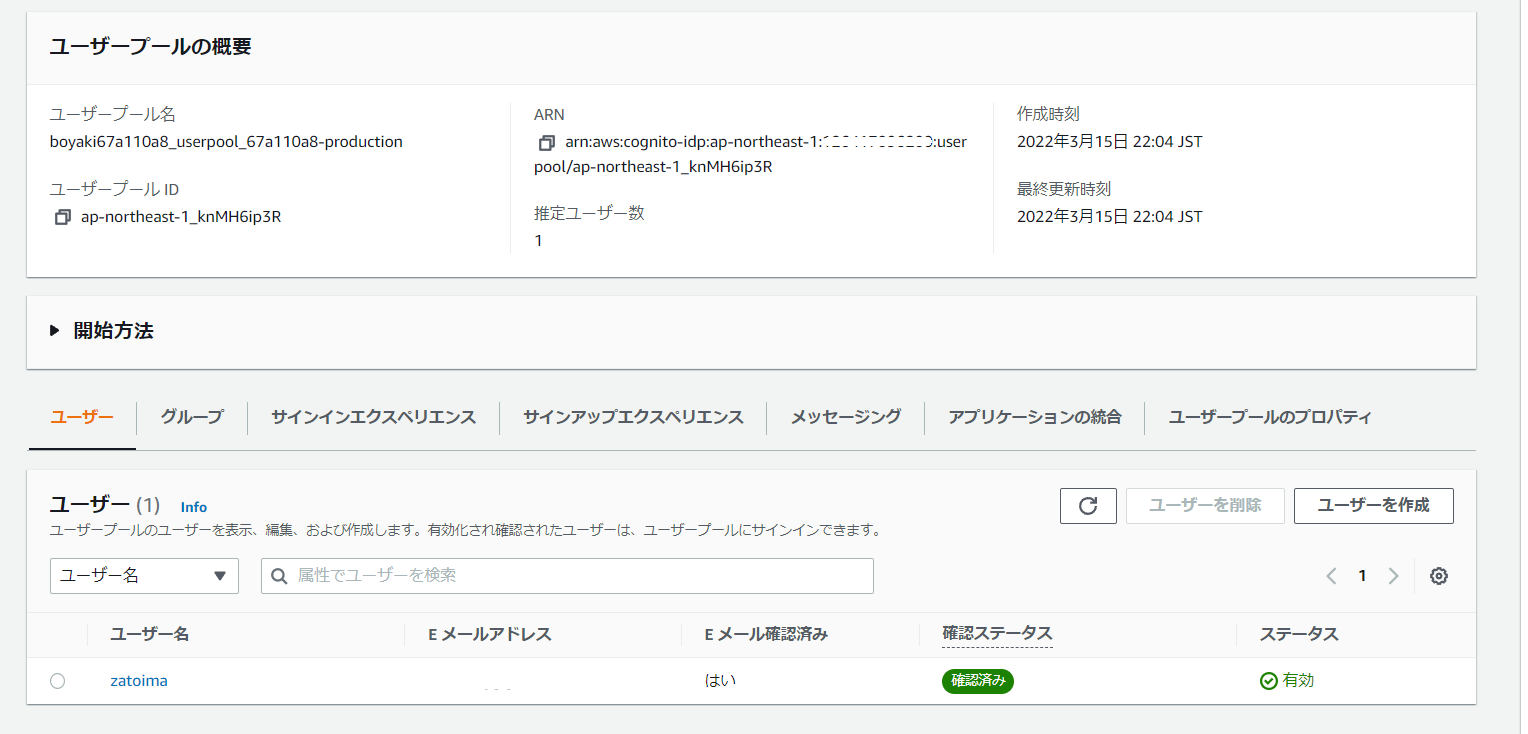
You can also confirm that a user pool has been created on the Cognito side.
Deleting the Environment
$ amplify delete
? Are you sure you want to continue? This CANNOT be undone. (This will delete all the environments of the project from the cloud and wipe out all the local files created by Amplify CLI) Yes
(omitted)
✔ Project deleted in the cloud
Project deleted locally.