Creating the Lambda Function
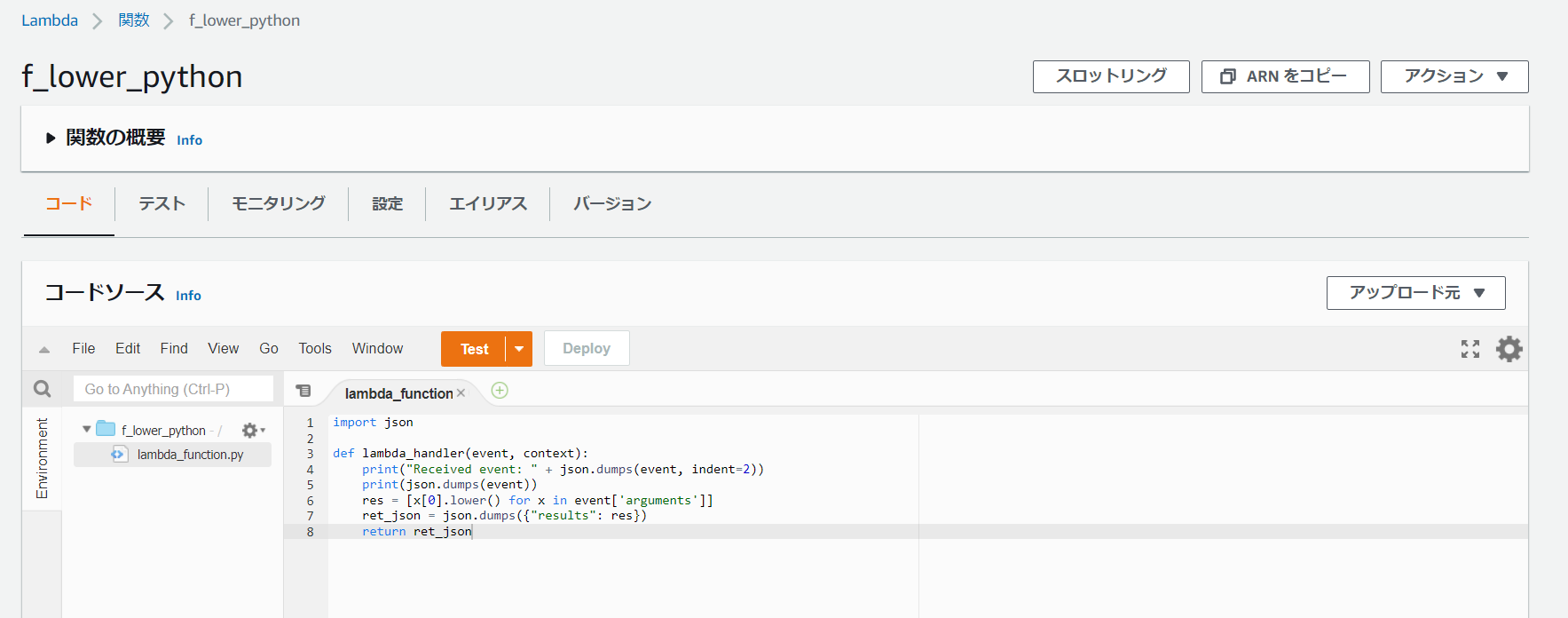
A function that converts to lowercase
import json

def lambda_handler(event, context):
    print("Received event: " + json.dumps(event, indent=2))
    print(json.dumps(event))
    res = [x[0].lower() for x in event['arguments']]
    ret_json = json.dumps({"results": res})
    return ret_json
Creating the IAM Role
Create an IAM role and attach it to the Redshift cluster.
Create an IAM role for Lambda
{
    "Version": "2012-10-17",
    "Statement": [
        {
            "Sid": "Invoke",
            "Effect": "Allow",
            "Action": [
                "lambda:InvokeFunction"
            ],
            "Resource": "arn:aws:lambda:us-west-2:123456789012:function:my-function"
        }
    ]
}
Creating the Lambda UDF on the Redshift Side
CREATE OR REPLACE EXTERNAL FUNCTION f_lower_python(varchar)
RETURNS varchar IMMUTABLE
LAMBDA 'f_lower_python'
IAM_ROLE 'arn:aws:iam::xxxxx:role/redshiftlf1';
Execution
mydb=# select f_lower_python(a) from test1 limit 10;
 f_lower_python
----------------
 aaaa
 uidus
 aaaa
 uidus
 uidus
 aaaa
 uidus
 aaaa
 aaaa
 uidus
(10 rows)