What is a Python UDF?
In Redshift, you can run Python programs that execute when a function is called and return a single value.
Creating a Python UDF uses create function:
create OR REPLACE function testudfpython (a float, b float)
  returns float
stable
as $$
  import time
  if a > b:
    c = a + b
  elif a < b:
    c = a * b
  else:
    return 0
  return c
$$ language plpythonu;
Creating a test table:
drop table testtable;
create table testtable(a numeric,b numeric,c numeric);
insert into testtable values(1,1,1);
insert into testtable values(2,4,6);
insert into testtable values(4,8,12);
mydb=# select * from testtable;
 a | b | c
---+---+----
 1 | 1 |  1
 2 | 4 |  6
 4 | 8 | 12
(3 rows)
Executing the Python UDF:
select testudfpython(b,c) from testtable where a=4;
select testudfpython(b,c) from testtable where a=2;
Execution results:
mydb=# select testudfpython(b,c) from testtable where a=4;
 testudfpython
---------------
            96
(1 row)

mydb=# select testudfpython(b,c) from testtable where a=2;
 testudfpython
---------------
            24
(1 row)
Constraints on Python UDFs
Amazon Redshift Python UDFs have the following constraints:
- Python UDFs cannot access the network or read/write to the file system.
- The total size of user-installed Python libraries cannot exceed 100 MB.
- The number of Python UDFs that can run simultaneously in a single cluster is limited to one-quarter of the cluster’s total concurrency level. For example, if the cluster’s concurrency level is set to 15, a maximum of 3 UDFs can run simultaneously. When this limit is reached, UDFs wait in the workload management queue. SQL UDFs have no concurrency limit. For more information, see “Implementing Workload Management.”
- SUPER and HLLSKETCH data types are not supported when using Python UDFs in Amazon Redshift.
Regarding concurrency in particular, reading the manual makes it seem like you can execute UDFs up to 1/4 of the set concurrency level, but that concurrency is set in Manual WLM and it is not stated what happens with the default WLM.
Let me create a Python UDF that forces a Sleep and run it from multiple clients. I’ll also check the queue state at this time.
create OR REPLACE function testudfpython (a float, b float)
  returns float
stable
as $$
  import time
  time.sleep(90)
  if a > b:
    c = a + b
  elif a < b:
    c = a * b
  else:
    return 0
  return c
$$ language plpythonu;
Result ①
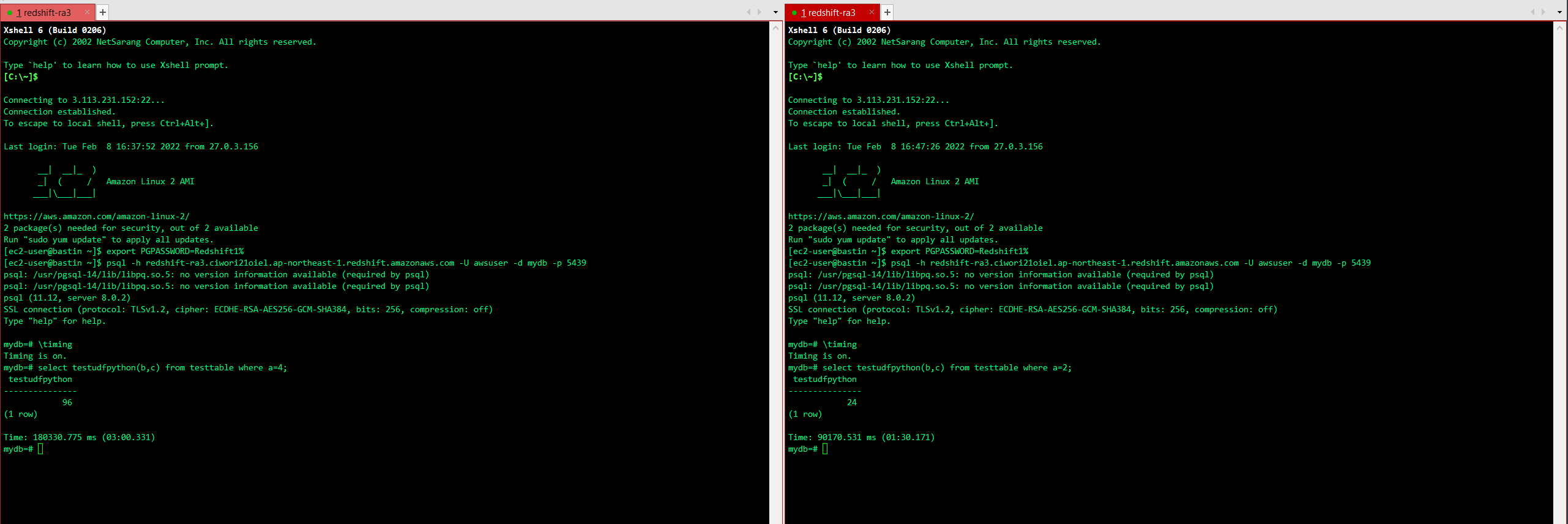
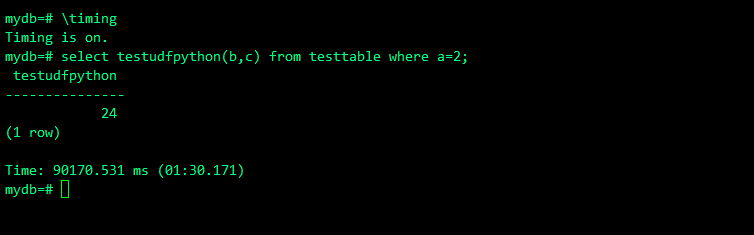
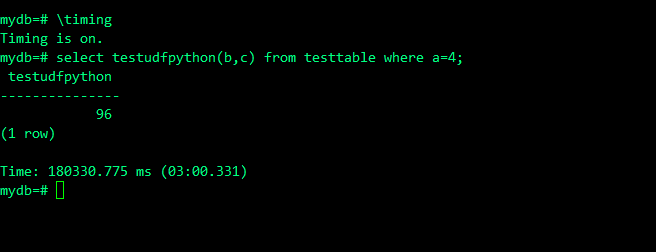
When running Python UDFs from multiple sessions with Auto WLM, the concurrent execution count appears to be “1”. Since 90 seconds of Sleep is added, the second session takes 180 seconds.
Result ②: Queue State and Query State
psql -h redshift-ra3.ciwori21oiel.ap-northeast-1.redshift.amazonaws.com -U benchuser -d mydb -p 5439 -f /home/ec2-user/amazon-redshift-utils/src/AdminScripts/queuing_queries.sql
psql -h redshift-ra3.ciwori21oiel.ap-northeast-1.redshift.amazonaws.com -U benchuser -d mydb -p 5439 -f /home/ec2-user/amazon-redshift-utils/src/AdminScripts/top_queries.sql
No relevant query appeared. Since it’s a Python UDF and not exactly SQL, it doesn’t show up.
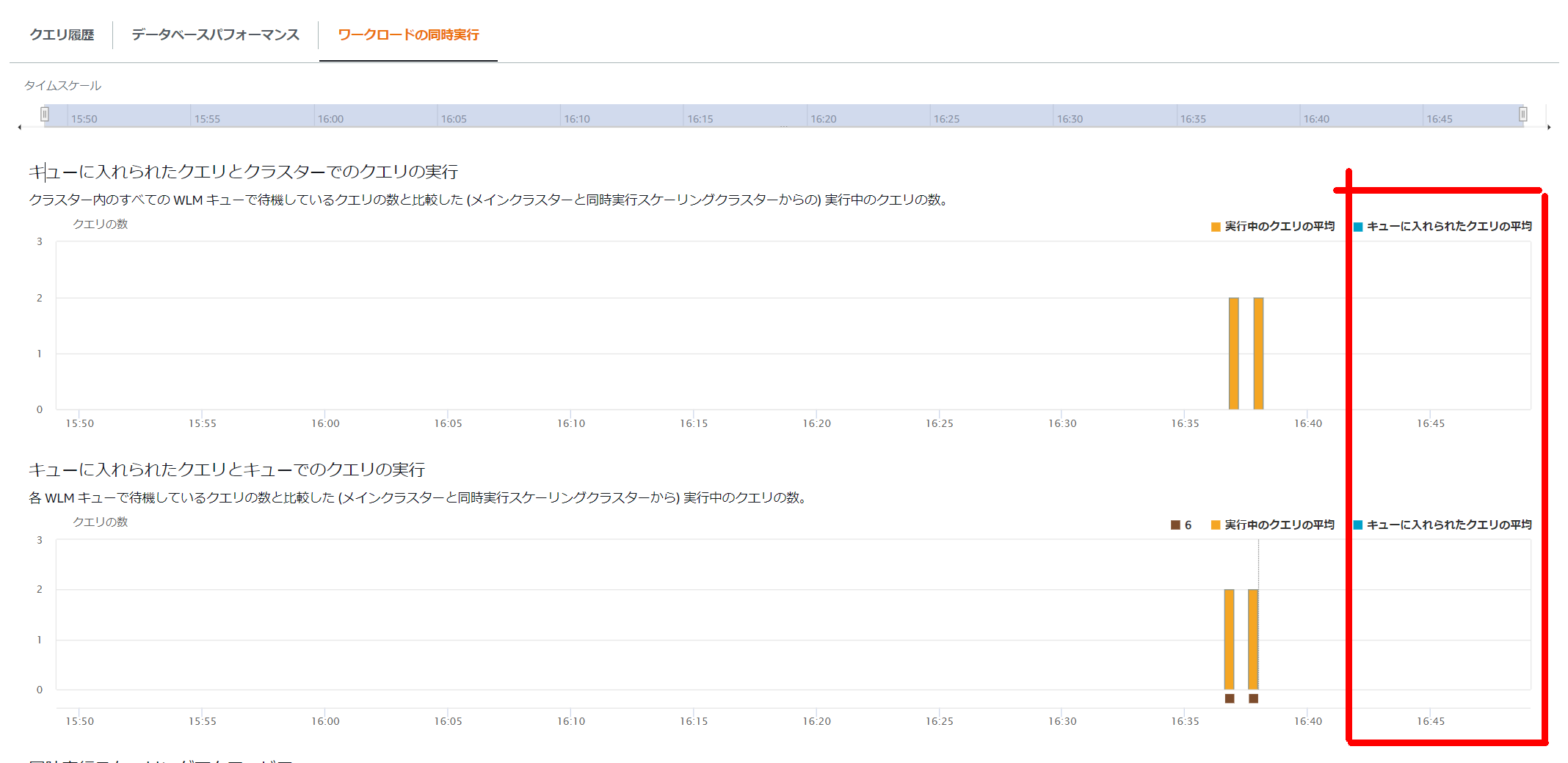
Result ③: Queue State from the Management Console
It appears as a running SQL, but it doesn’t seem to enter the queue.

Conclusion
With Auto WLM, the concurrency count is 1. Care is needed for Python UDFs that are executed from multiple clients simultaneously. (Personally, I’m not very fond of putting logic on the database side, such as UDFs and stored procedures.)