I migrated Hugo (the execution environment for this blog) when switching computers. I forgot how to change the syntax highlight settings, so I looked it up and made some notes.
zatoima@M1MBA zatoima.github.io % pwd
/Users/zatoima/work/hugo/zatoima.github.io
zatoima@M1MBA zatoima.github.io %
zatoima@M1MBA zatoima.github.io % mkdir -p assets/css/libs/chroma/
zatoima@M1MBA zatoima.github.io % hugo gen chromastyles --style=monokai > assets/css/libs/chroma/monokai.css
zatoima@M1MBA zatoima.github.io % ls -l assets/css/libs/chroma/monokai.css
-rw-r--r--  1 zatoima  staff  4394  9 26 17:15 assets/css/libs/chroma/monokai.css
Modify the syntax_highlighter section:
zatoima@M1MBA zatoima.github.io % cat config/_default/params.yaml
# SITE SETUP
# Guide: https://wowchemy.com/docs/getting-started/
# Documentation: https://wowchemy.com/docs/
# This file is formatted using YAML syntax - learn more at https://learnxinyminutes.com/docs/yaml/

features:
  syntax_highlighter:
    theme_light: monokai
    theme_dark: monokai
  math:
    enable: false
~omitted~
https://wowchemy.com/docs/getting-started/customization/#code-syntax-highlighting
Code syntax highlighting
Hugo’s code syntax highlighter is named Chroma. How can we customize Chroma’s light and dark styles?
Check out the languages and styles which Hugo supports at the Chroma Playground
Choose from one of the built-in styles including:
- github-light
- github-dark
- dracula
or import a Hugo Chroma style to your
assets/css/libs/chroma/folder (creating the folders as needed). For example, to import thexcodestyle asxcode-lightandxcode-darkasxcode-dark:mkdir -p assets/css/libs/chroma/ hugo gen chromastyles --style=xcode > assets/css/libs/chroma/xcode-light.css hugo gen chromastyles --style=xcode-dark > assets/css/libs/chroma/xcode-dark.cssOnce you have chosen your styles, reference them in
params.yaml:features: syntax_highlighter: theme_light: xcode-light theme_dark: xcode-dark
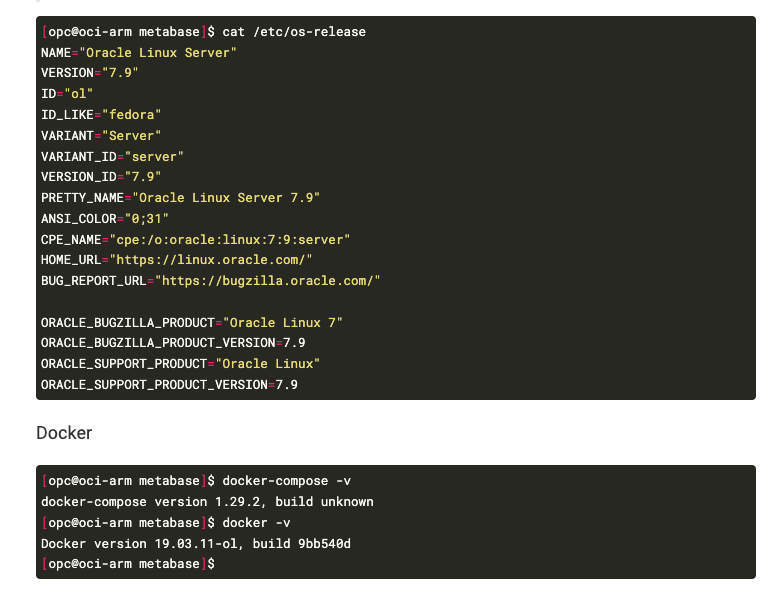
The syntax highlight now looks like this.