Metabase allows you to choose between Slack and email when sharing dashboards. Here I’ll summarize the settings and how to configure email using Gmail. Using Gmail for business purposes is unlikely, but for personal use, setting up your own mail server is quite a hassle, so being able to use Gmail is convenient.
References
Dashboard Subscriptions https://www.metabase.com/docs/latest/users-guide/dashboard-subscriptions.html
Setting Up Email https://www.metabase.com/docs/latest/administration-guide/02-setting-up-email.html
Setup Screen

Input Values
SMTP Host: smtp.gmail.com
SMTP Port: 587
SMTP Security: TLS
SMTP Username: Gmail account (email@gmail.com)
SMTP Password: Gmail password
Additional Configuration
When I entered the above values in Metabase, it failed. The reason is that Gmail considers it a less secure app. I referenced this article to enable access for less secure apps. As a precaution, I created a separate Gmail account for sending, rather than using my regular Gmail account.
https://support.google.com/accounts/answer/6010255?hl=ja
Less secure apps & your Google Account
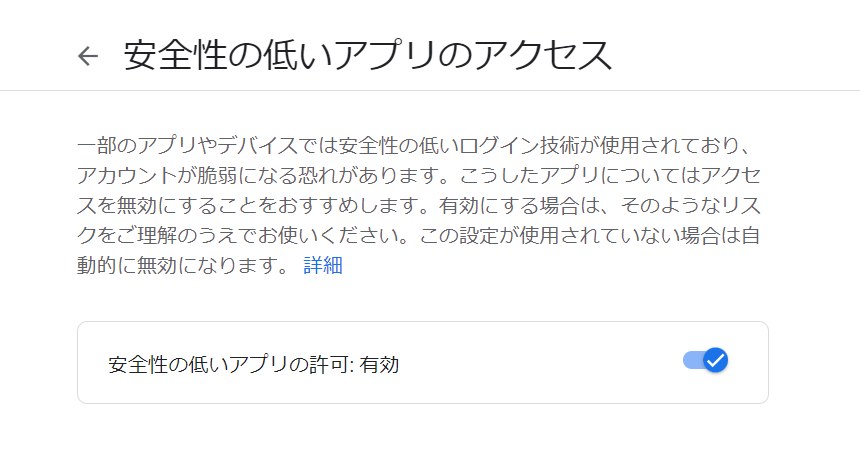
With this done, the email configuration is complete. After that, configure the remaining options as shown and send the email.